Octo Browser 2.9: Các tính năng để giảm sử dụng lưu lượng truy cập
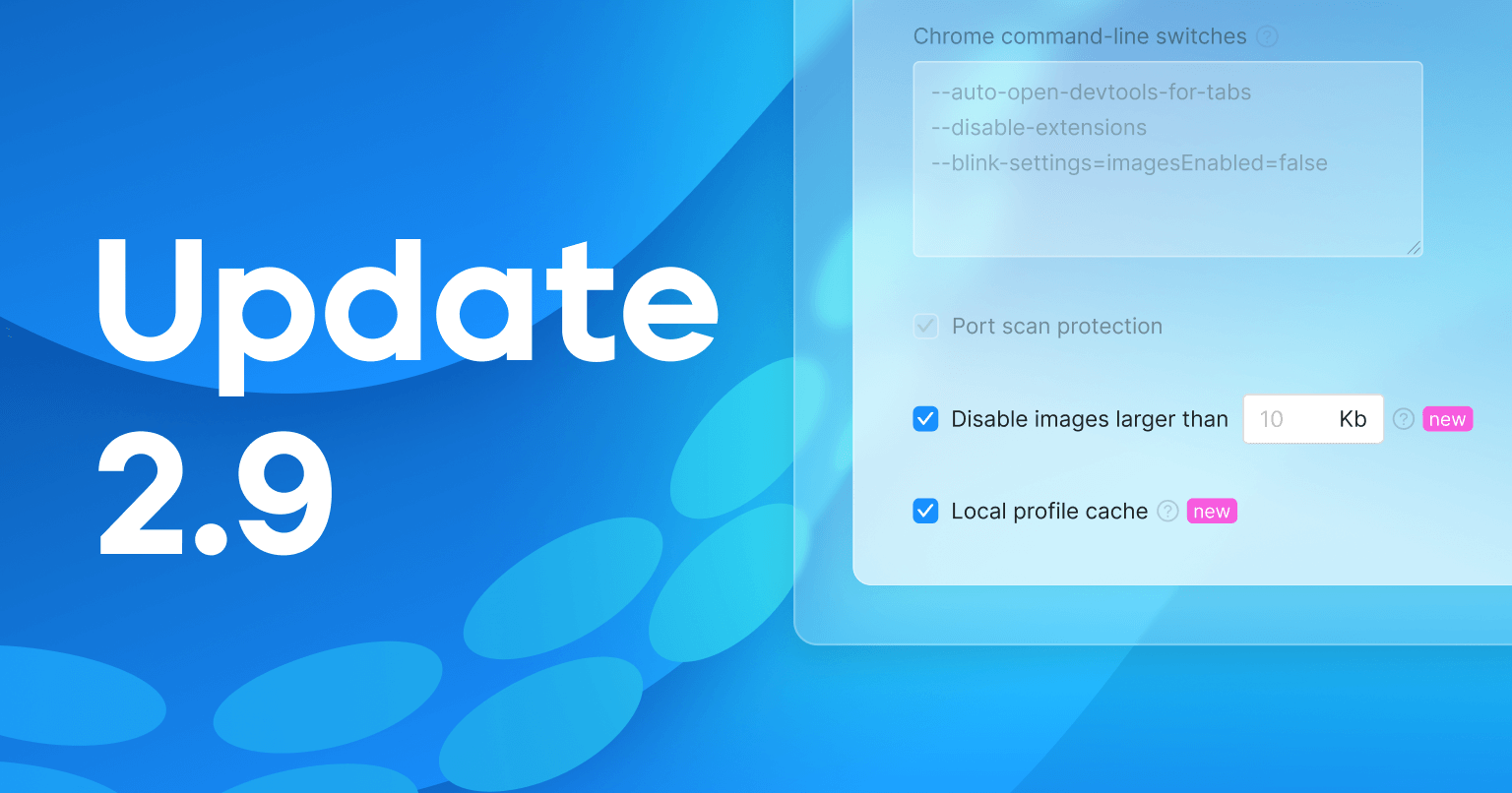
Trong bản phát hành mới nhất, chúng tôi đã thêm hai tính năng được thiết kế để giảm thiểu lượng dữ liệu tiêu thụ: một bộ nhớ đệm cục bộ và khả năng tắt tải hình ảnh cho các hồ sơ. Sử dụng chúng giúp giảm bớt lượng dữ liệu được truyền tải. Bạn cũng có thể xóa lời mời nhóm đã lỗi thời. Tìm hiểu thêm về những tính năng này dưới đây.
Tính năng mới: Bộ nhớ cache cục bộ
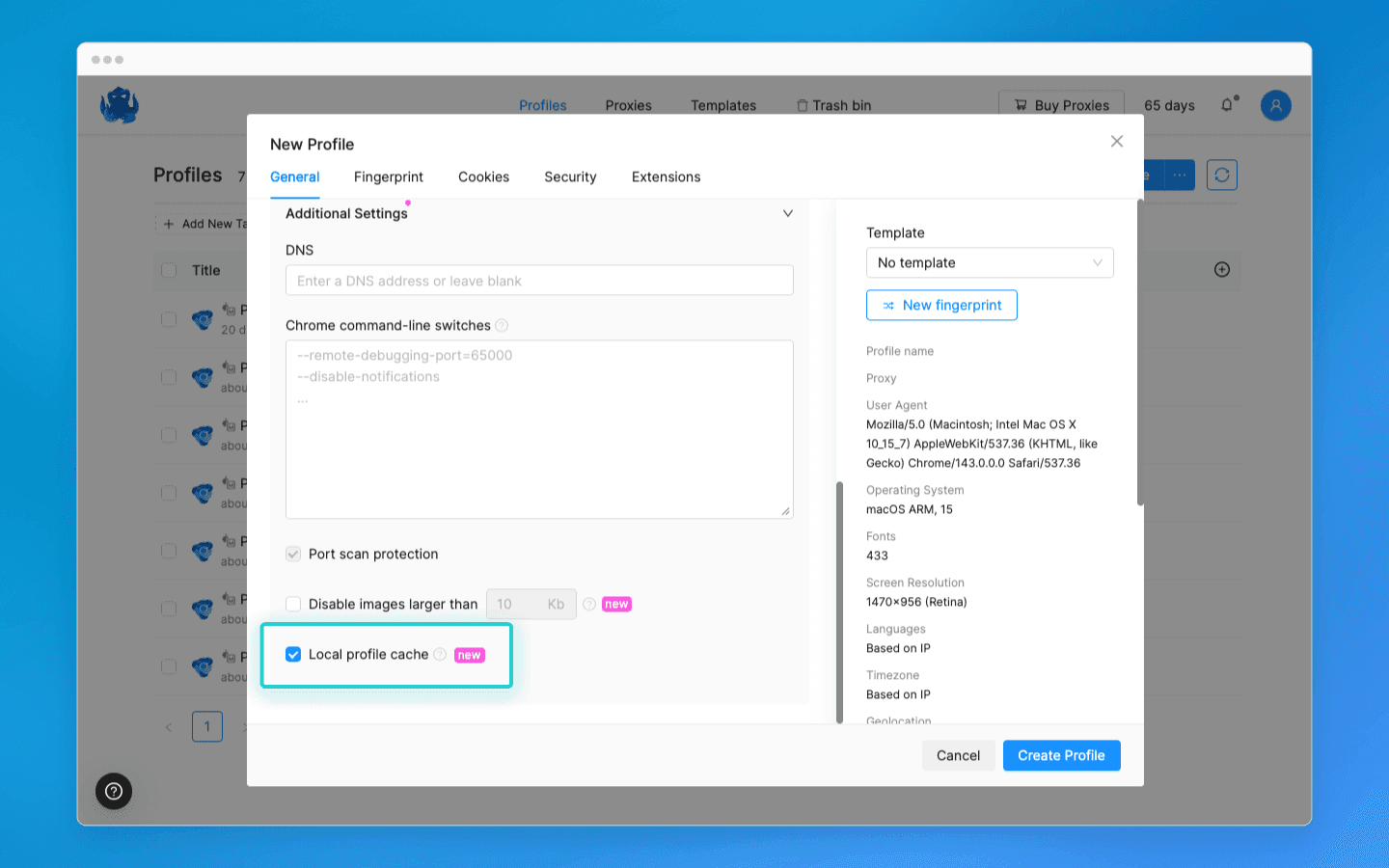
Chúng tôi đã thêm cài đặt bộ nhớ cache cục bộ, giúp tiết kiệm lưu lượng bằng cách lưu trữ các phần tử của các trang đã truy cập. Khi bạn truy cập lại các trang web đã mở trước đó, hồ sơ sẽ tải các phần tử trang từ bộ nhớ cục bộ.
Quan trọng: khi làm việc với nhiều thiết bị, thư mục bộ nhớ cache cục bộ của thiết bị mà hồ sơ được khởi chạy sẽ được sử dụng.
Xóa bộ nhớ cache:
Một nút “Xóa bộ nhớ cache cục bộ” mới đã được thêm vào Cài đặt → Tài khoản. Khi nhấp chuột, nó sẽ xóa bộ nhớ cache cho tất cả các hồ sơ đã bật bộ nhớ cache cục bộ.
Tắt tải hình ảnh
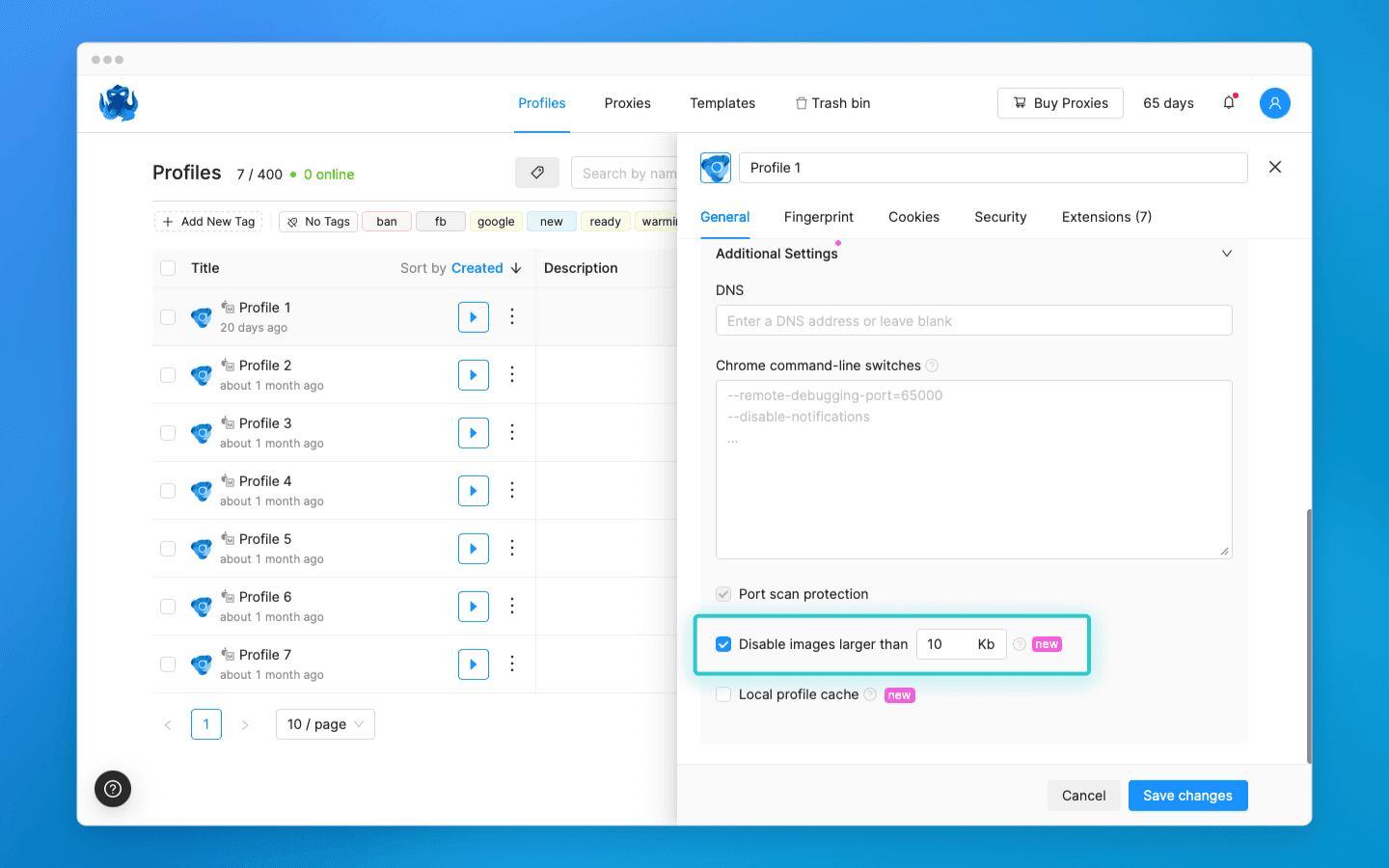
Bây giờ bạn có thể giảm tiêu thụ lưu lượng bằng cách giới hạn kích thước của các hình ảnh đã tải xuống. Để làm điều này, hãy đánh dấu vào công tắc “Tắt tải hình ảnh lớn hơn” trong cài đặt và chỉ định kích thước hình ảnh tối đa cho phép. Hồ sơ sẽ không tải những hình ảnh vượt quá giới hạn đã chỉ định.
Xóa lời mời nhóm
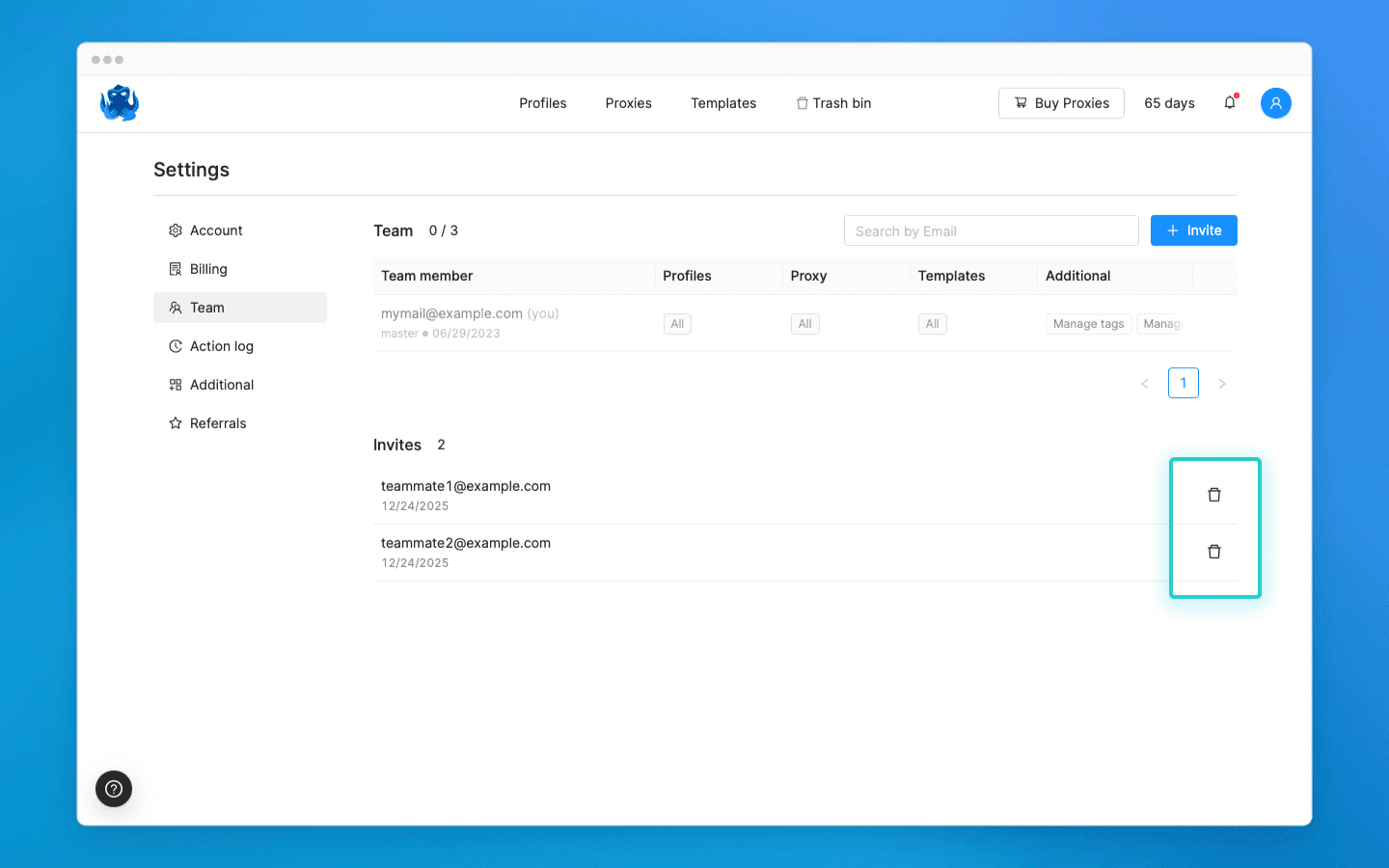
Chủ sở hữu nhóm hoặc người dùng có quyền “Quản lý nhóm” giờ đây có thể xóa các lời mời nhóm lỗi thời. Điều này giúp làm sạch các lời mời được gửi nhầm hoặc không được trả lời.
Chia sẻ phản hồi và đề xuất của bạn để cải thiện Octo Browser trong kênh Telegram của chúng tôi hoặc bằng cách sử dụng biểu mẫu phản hồi trong trình duyệt. Theo dõi chúng tôi trên mạng xã hội để cập nhật thông tin tin tức và cập nhật quan trọng.
Bạn có muốn thử Octo Browser với giá giảm không?
Sử dụng mã khuyến mãi OCTOBLOG để được giảm giá 30% cho bất kỳ gói đăng ký nào. Ưu đãi này chỉ dành cho người dùng mới.
Tính năng mới: Bộ nhớ cache cục bộ
Chúng tôi đã thêm cài đặt bộ nhớ cache cục bộ, giúp tiết kiệm lưu lượng bằng cách lưu trữ các phần tử của các trang đã truy cập. Khi bạn truy cập lại các trang web đã mở trước đó, hồ sơ sẽ tải các phần tử trang từ bộ nhớ cục bộ.
Quan trọng: khi làm việc với nhiều thiết bị, thư mục bộ nhớ cache cục bộ của thiết bị mà hồ sơ được khởi chạy sẽ được sử dụng.
Xóa bộ nhớ cache:
Một nút “Xóa bộ nhớ cache cục bộ” mới đã được thêm vào Cài đặt → Tài khoản. Khi nhấp chuột, nó sẽ xóa bộ nhớ cache cho tất cả các hồ sơ đã bật bộ nhớ cache cục bộ.
Tắt tải hình ảnh
Bây giờ bạn có thể giảm tiêu thụ lưu lượng bằng cách giới hạn kích thước của các hình ảnh đã tải xuống. Để làm điều này, hãy đánh dấu vào công tắc “Tắt tải hình ảnh lớn hơn” trong cài đặt và chỉ định kích thước hình ảnh tối đa cho phép. Hồ sơ sẽ không tải những hình ảnh vượt quá giới hạn đã chỉ định.
Xóa lời mời nhóm
Chủ sở hữu nhóm hoặc người dùng có quyền “Quản lý nhóm” giờ đây có thể xóa các lời mời nhóm lỗi thời. Điều này giúp làm sạch các lời mời được gửi nhầm hoặc không được trả lời.
Chia sẻ phản hồi và đề xuất của bạn để cải thiện Octo Browser trong kênh Telegram của chúng tôi hoặc bằng cách sử dụng biểu mẫu phản hồi trong trình duyệt. Theo dõi chúng tôi trên mạng xã hội để cập nhật thông tin tin tức và cập nhật quan trọng.
Bạn có muốn thử Octo Browser với giá giảm không?
Sử dụng mã khuyến mãi OCTOBLOG để được giảm giá 30% cho bất kỳ gói đăng ký nào. Ưu đãi này chỉ dành cho người dùng mới.
Cập nhật với các tin tức Octo Browser mới nhất
Khi nhấp vào nút này, bạn sẽ đồng ý với Chính sách Quyền riêng tư của chúng tôi.
Cập nhật với các tin tức Octo Browser mới nhất
Khi nhấp vào nút này, bạn sẽ đồng ý với Chính sách Quyền riêng tư của chúng tôi.
Cập nhật với các tin tức Octo Browser mới nhất
Khi nhấp vào nút này, bạn sẽ đồng ý với Chính sách Quyền riêng tư của chúng tôi.

Tham gia Octo Browser ngay
Hoặc liên hệ với Dịch vụ khách hàng bất kì lúc nào nếu bạn có bất cứ thắc mắc nào.
Tham gia Octo Browser ngay
Hoặc liên hệ với Dịch vụ khách hàng bất kì lúc nào nếu bạn có bất cứ thắc mắc nào.
Tham gia Octo Browser ngay
Hoặc liên hệ với Dịch vụ khách hàng bất kì lúc nào nếu bạn có bất cứ thắc mắc nào.