Octo Browser 2.9: Features for Reducing Traffic Usage
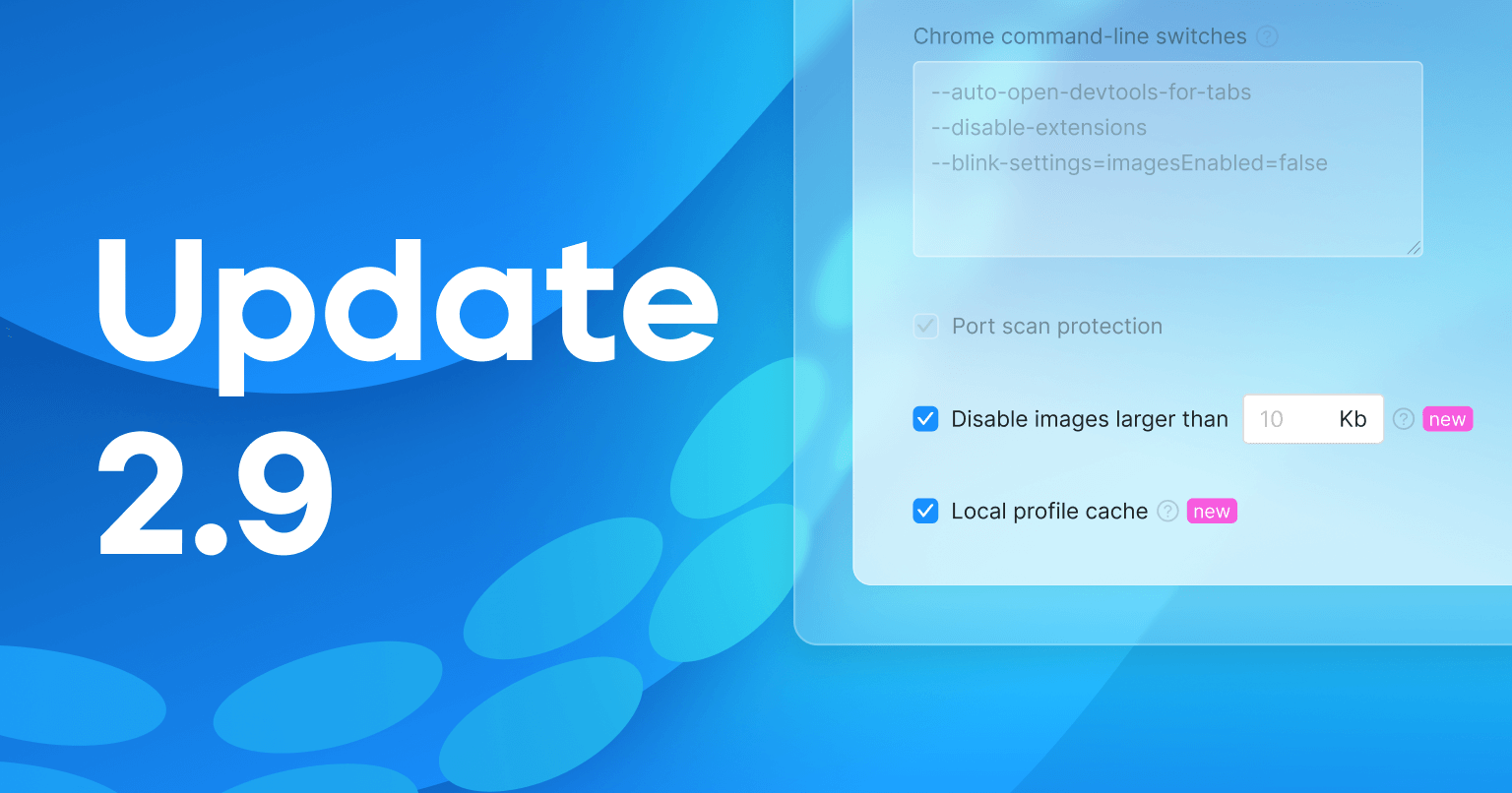
In the latest release, we added two features designed to reduce traffic consumption: a local cache and the ability to disable image loading for profiles. Using them helps decrease the amount of transferred data. You can also now delete outdated team invitations. Learn more about these features below.
New feature: Local cache
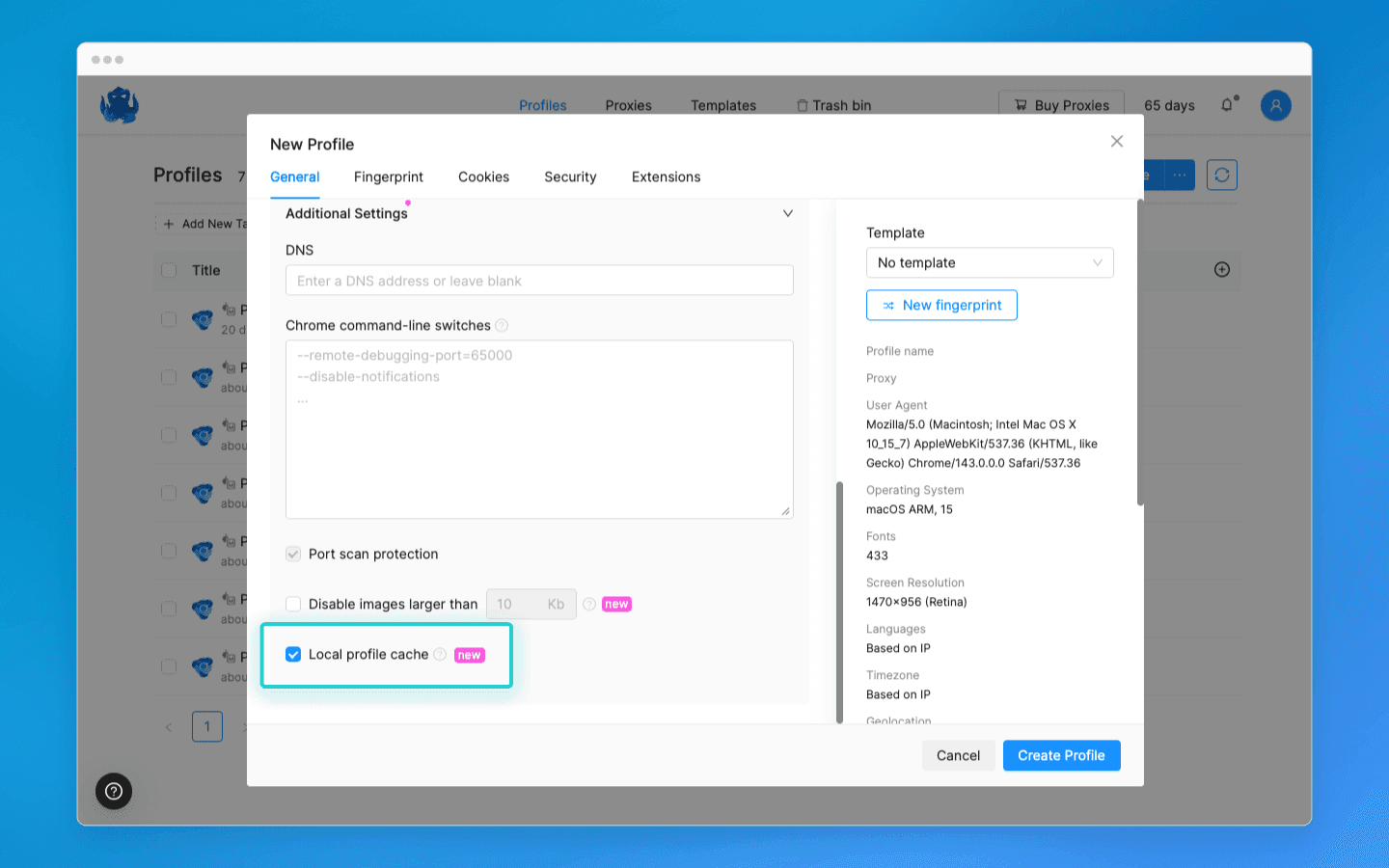
We added the local cache setting, which helps save traffic by caching elements of visited pages. When you revisit previously opened websites, the profile will load page elements from local storage.
Important: when working with multiple devices, the local cache folder of the device on which the profile is launched will be used.
Clearing the cache:
A new “Clear local cache” button has been added to Settings → Account. When clicked, it clears the cache for all profiles with the local cache enabled.
Disabling image loading
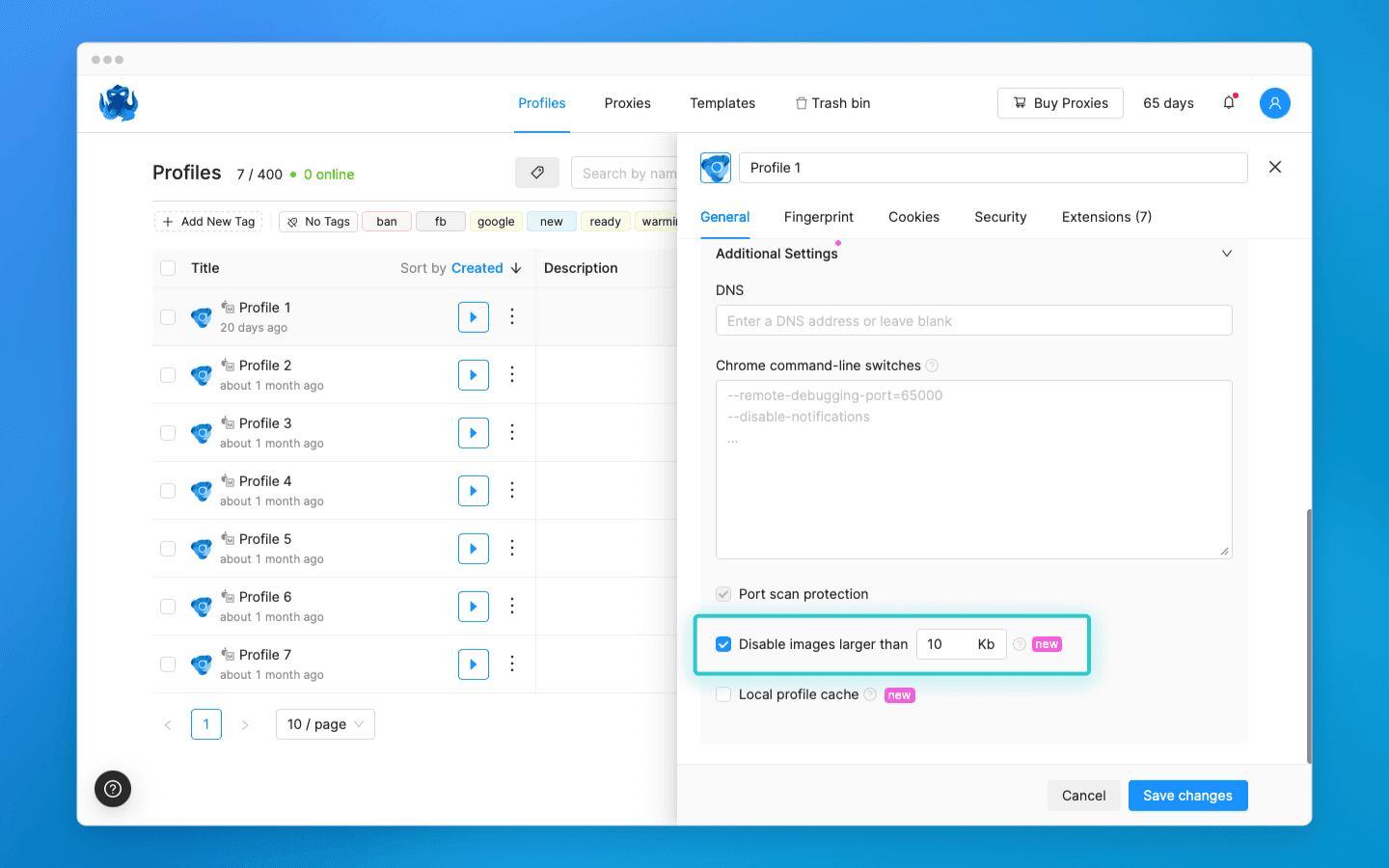
You can now reduce traffic consumption by limiting the size of downloaded images. To do this, tick the “Disable loading images larger than” toggle in the settings and specify the maximum allowed image size. The profile will not load images that exceed the specified limit.
Deleting team invitations
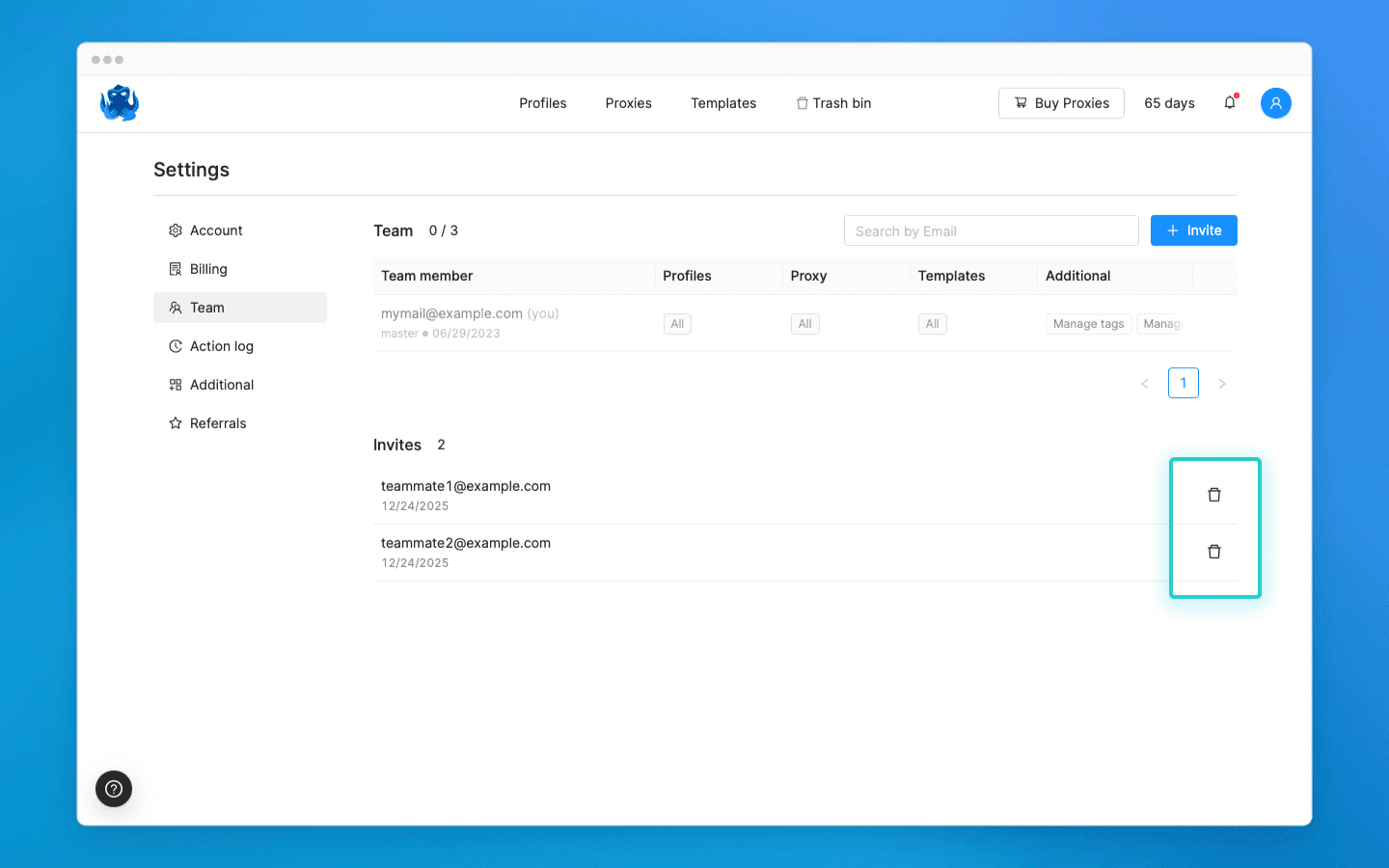
A team owner or a user with the “Manage team” permission can now delete outdated team invitations. This helps clean up invitations sent by mistake or left unanswered.
Share your feedback and suggestions for improving Octo Browser in our Telegram channel or using the feedback form in the browser. Follow us on social media to stay up to date with important news and updates.
Would you like to try Octo Browser at discount?
Use the promo code OCTOBLOG to get 30% off any subscription. This offer is valid only for new users.
New feature: Local cache
We added the local cache setting, which helps save traffic by caching elements of visited pages. When you revisit previously opened websites, the profile will load page elements from local storage.
Important: when working with multiple devices, the local cache folder of the device on which the profile is launched will be used.
Clearing the cache:
A new “Clear local cache” button has been added to Settings → Account. When clicked, it clears the cache for all profiles with the local cache enabled.
Disabling image loading
You can now reduce traffic consumption by limiting the size of downloaded images. To do this, tick the “Disable loading images larger than” toggle in the settings and specify the maximum allowed image size. The profile will not load images that exceed the specified limit.
Deleting team invitations
A team owner or a user with the “Manage team” permission can now delete outdated team invitations. This helps clean up invitations sent by mistake or left unanswered.
Share your feedback and suggestions for improving Octo Browser in our Telegram channel or using the feedback form in the browser. Follow us on social media to stay up to date with important news and updates.
Would you like to try Octo Browser at discount?
Use the promo code OCTOBLOG to get 30% off any subscription. This offer is valid only for new users.
Stay up to date with the latest Octo Browser news
By clicking the button you agree to our Privacy Policy.
Stay up to date with the latest Octo Browser news
By clicking the button you agree to our Privacy Policy.
Stay up to date with the latest Octo Browser news
By clicking the button you agree to our Privacy Policy.

Join Octo Browser now
Or contact Customer Service at any time with any questions you might have.
Join Octo Browser now
Or contact Customer Service at any time with any questions you might have.
Join Octo Browser now
Or contact Customer Service at any time with any questions you might have.