Octo Browser is now available on iOS
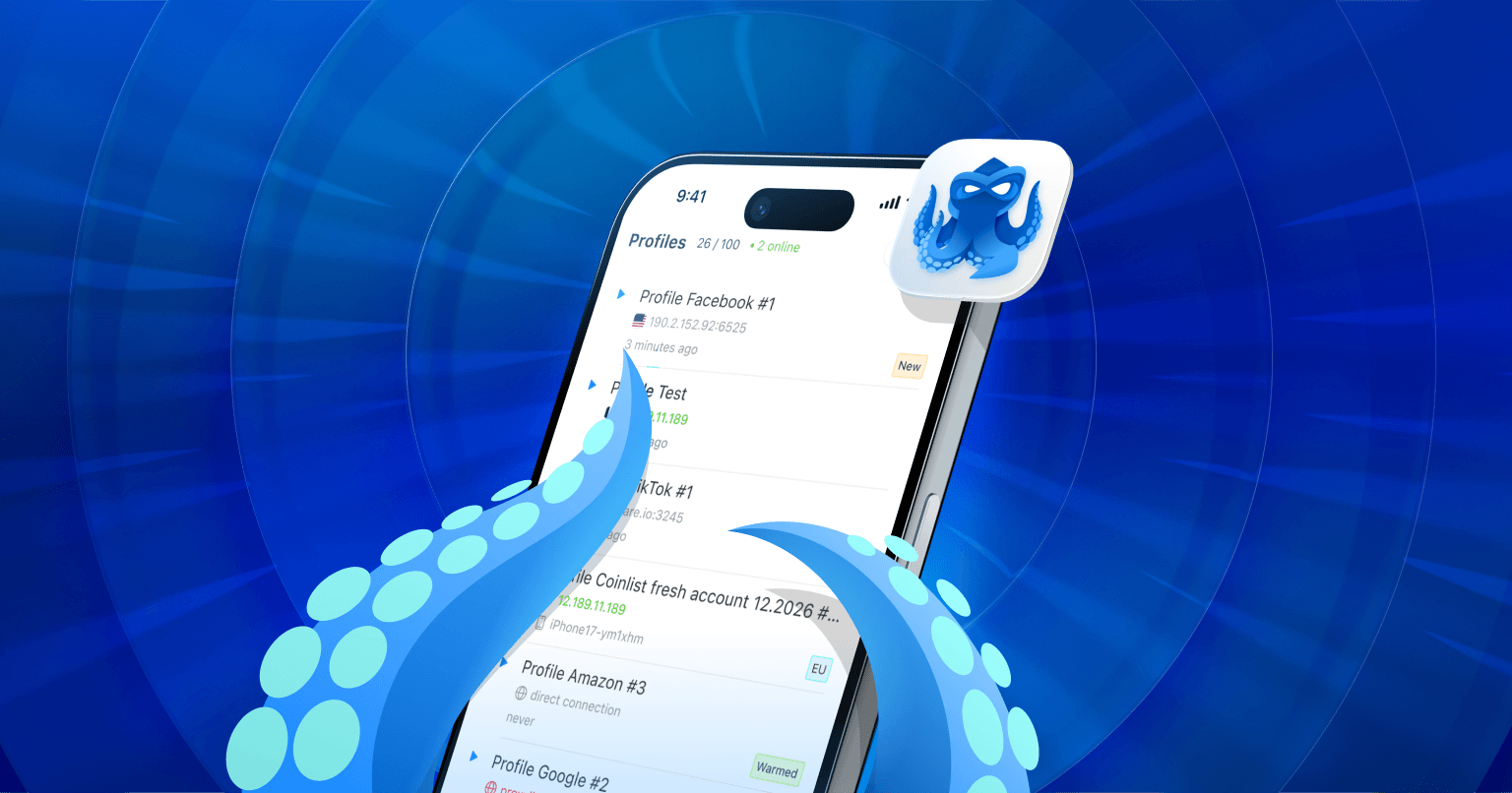
Octo Browser for iOS is a mobile app for iPhone and iPad that lets you create iOS profiles. Each profile has a mobile Safari fingerprint, and you can connect a proxy to it.
An anti-detect browser on iOS is an additional powerful tool for bypassing sophisticated anti-fraud systems. The fingerprints of real users with identical iPhones and Safari setups differ only by IP address. When registering on well-protected websites, such users often have an advantage, as they raise fewer suspicions because many of them share similar fingerprints.
Using mobile iOS fingerprints can improve account registration success rates. That’s exactly why we released Octo Browser for iOS: its profile fingerprints look exactly like those of millions of real iOS users.
What does Octo Browser for iOS offer?
Reliable iOS fingerprints. We use native Apple technologies to generate authentic mobile fingerprints. As a result, they look exactly like those of regular Safari users, with no data overlap between profiles or session leaks. You can choose an iPhone or iPad fingerprint.
Simple setup. Choose a desired device, connect a proxy, and you’re ready to go. For testing, you can also fine-tune settings in more detail.
HTTP/SOCKS5 proxy support. The browser works with all popular proxy protocols. If you already have proxies in your Octo account, you can use them here. Device geolocation is spoofed based on the proxy location.
UDP support over WebRTC. This is essential for protecting against WebRTC leaks. UDP support allows for proper fingerprint spoofing and routes WebRTC requests through a proxy, masking your real IP address.
Cloud sync. Work seamlessly in a team.
Advanced videostream spoofing. You can replace your camera video feed with another video or image as many times as you want without having to reload the page.
"Paste like a human" feature. Clipboard content is entered into fields exactly as if it were typed by a real user.
Most familiar profile management features are already available: cookie import and export, tags for easier profile management, trash, and browsing history within profiles.
At launch, during the open testing phase, Octo Browser for iOS will be completely free. You can download it right now and get 100 profiles and free proxies.
If you’re already using Octo, simply log in with your existing account credentials. If not, you can create a new account in the app or sign in via Apple ID.
Q&A
Can I manage desktop profiles using the mobile app?
No, desktop profiles are only available in the desktop browser version, while iOS profiles are available only in the mobile app.
Is the app available on Windows or Android?
At the moment, the app is available on iOS only.
