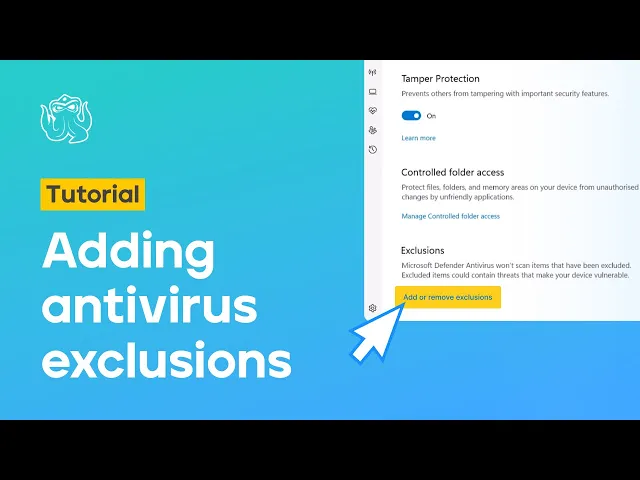
How to add Octo Browser components to anti-virus exclusion list

How to add Octo Browser components to anti-virus exclusion list
Sophia Grote's Profile Image
Sophia Grote

Support specialist, Octo Browser

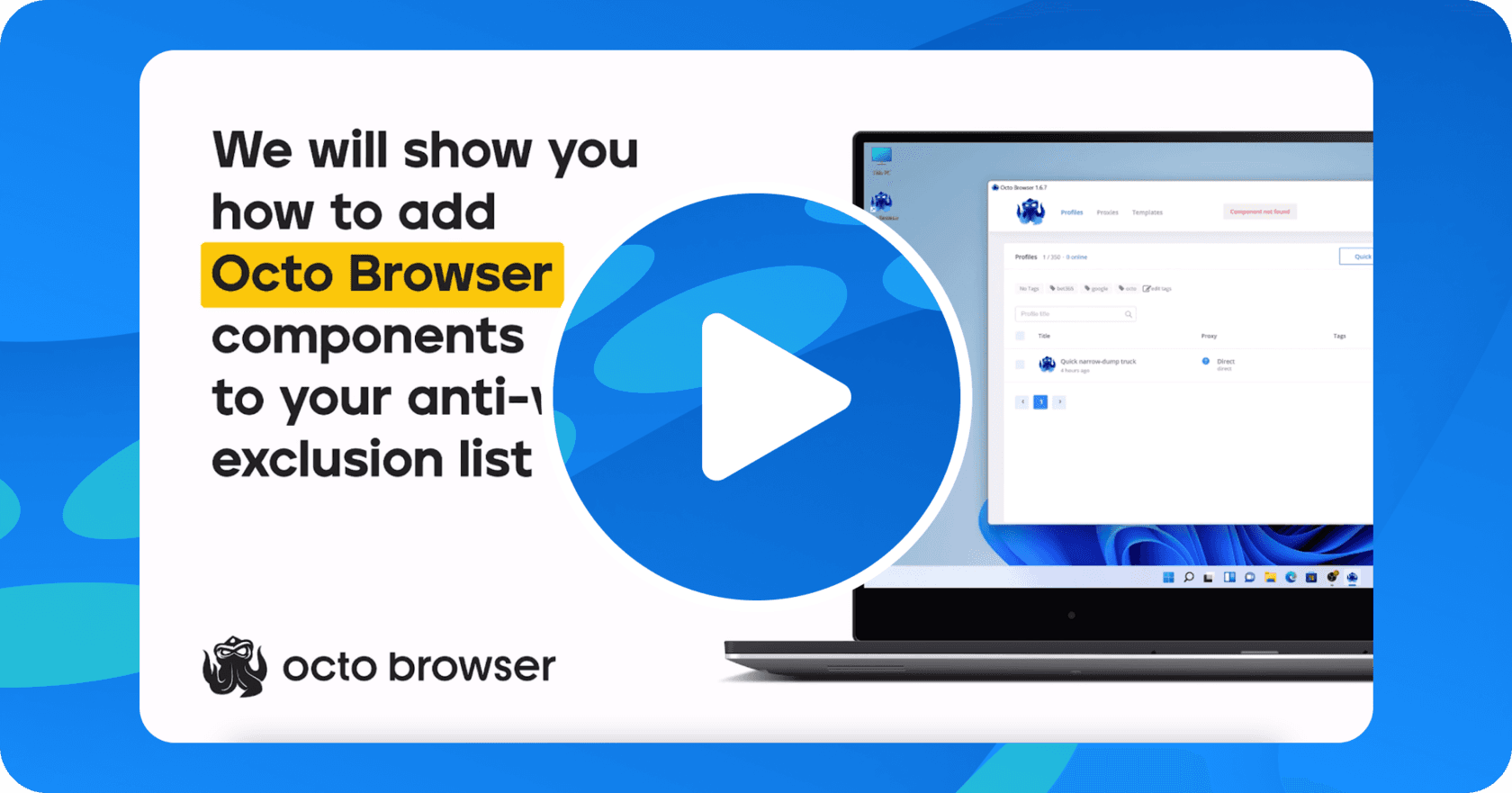
We have a new video tutorial on our YouTube channel explaining how to add Octo Browser components to the OS antivirus exclusion list. If you have any questions, don’t hesitate to contact us by sending a message to our support bot on Telegram.

We hope this video will make your work experience with Octo Browser even more comfortable.

Stay anonymous, take advantage of multi-accounting, and achieve your goals with the highest-quality anti-detect browser on the market.

Would you like to try Octo Browser at discount?
Use the promo code OCTOBLOG to get 30% off any subscription. This offer is valid only for new users.

Stay anonymous, take advantage of multi-accounting, and achieve your goals with the highest-quality anti-detect browser on the market.

Would you like to try Octo Browser at discount?
Use the promo code OCTOBLOG to get 30% off any subscription. This offer is valid only for new users.

Stay up to date with the latest Octo Browser news

By clicking the button you agree to our Privacy Policy.

Stay up to date with the latest Octo Browser news

By clicking the button you agree to our Privacy Policy.

Stay up to date with the latest Octo Browser news

By clicking the button you agree to our Privacy Policy.

Join Octo Browser now

Or contact Customer Service at any time with any questions you might have.

Join Octo Browser now

Or contact Customer Service at any time with any questions you might have.

Join Octo Browser now

Or contact Customer Service at any time with any questions you might have.

©

2026

Octo Browser

©

2026

Octo Browser

©

2026

Octo Browser