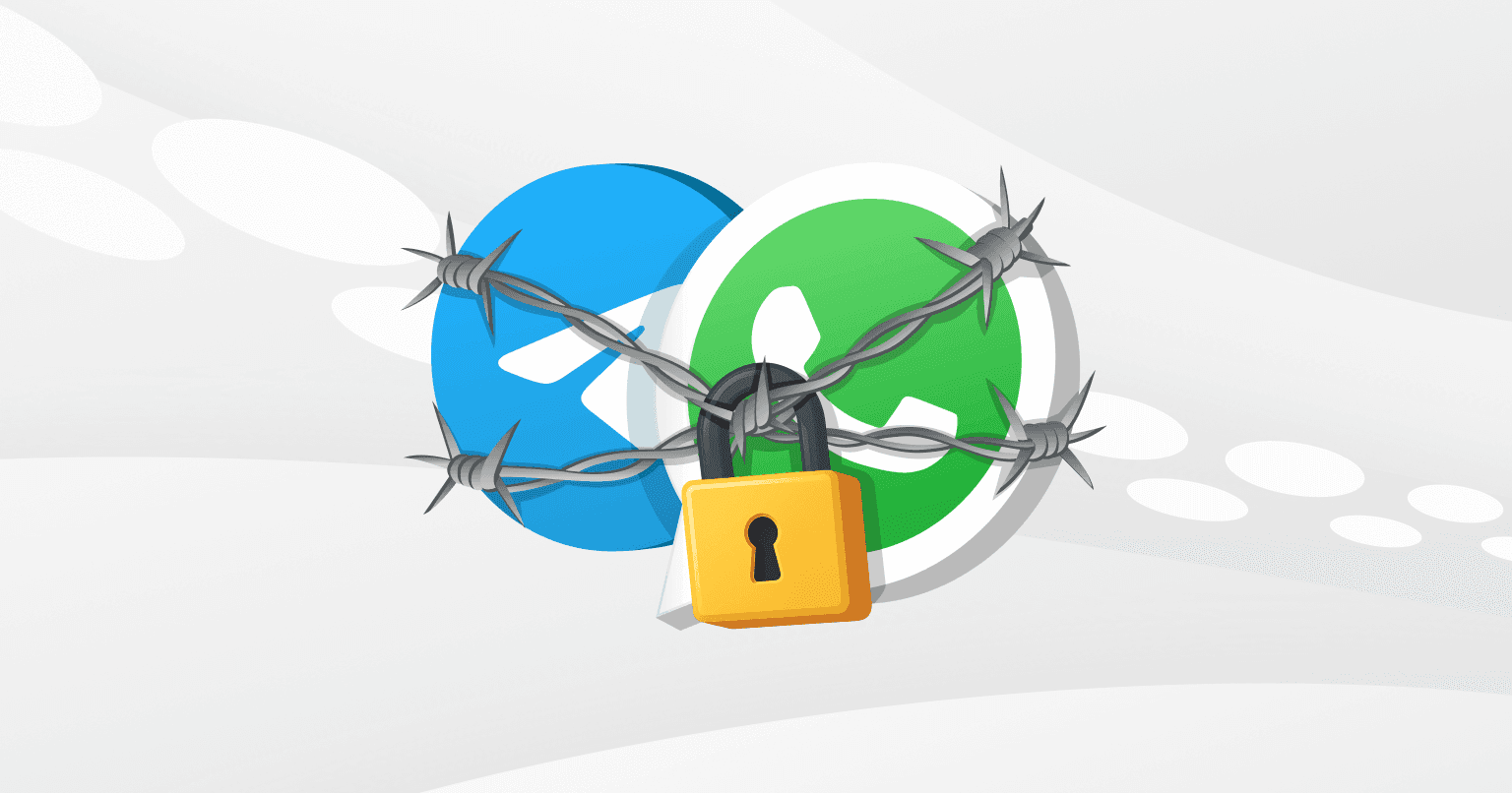
RKN Has Partially Blocked Telegram and WhatsApp in Russia

Palina Zabela
Content Manager, Octo Browser
In recent months, users in Russia have been reporting restrictions in the work of Telegram and WhatsApp. They have encountered blocked calls, SMS authorization failures, problems sending messages, loading media files, and connecting to servers. In this article, we analyze the latest news, examine the causes of the issues, and suggest effective ways to bypass the restrictions.
Contents
The best way to stay anonymous online is to change not only your IP address, but also the browser fingerprint.
Try Octo Browser.
Would you like to try Octo Browser at discount?
Use the promo code OCTOBLOG to get 30% off any subscription. This offer is valid only for new users.
What actually happened
As of late November 2025, the situation around the popular messengers in Russia looks like this:
A Telegram outage. On November 19, users in Moscow, Saint Petersburg, Kazan, and other major cities reported problems with Telegram: messages were not being sent, media would not load, and the app displayed “Connecting…”. This may be caused by technical overloads of Telegram’s own servers, since global outages have happened before. But it cannot be ruled out that the messenger was temporarily blocked by the government.
Partial feature restrictions in WhatsApp and Telegram. In August 2025, Roskomnadzor blocked voice calls in both messengers to counter fraud. And since late October, new Telegram and WhatsApp users in Russia cannot receive SMS for authentication, which means they cannot create an account.
RKN and government comments
There are two official reasons why Roskomnadzor blocked certain features of the messengers: first, this is how they combat fraud, and second, they punish the messengers for not complying with Russian law. In August 2025, when calls were blocked, Roskomnadzor stated that messengers are the main voice services used for scams and extortion.
Will WhatsApp and Telegram be fully blocked in Russia?
The question of a full block remains open. WhatsApp is in a more vulnerable position: it belongs to Meta, which is designated as an extremist organization. Meanwhile, Telegram has proven its resilience to restrictions in 2018–2020. As of late November 2025, there are no official statements about a full ban.
Most experts believe that a full block is unlikely. More than 80 million Russians use Telegram. According to experts, it is more likely that authorities will continue to partially restrict access to the messengers, as was the case in Dagestan and Chechnya in March 2025. In that situation, users had to look for alternatives and switch to Russian services, such as Max.
Temporary disruptions and partial restrictions are likely to persist. But just in case, it is better to prepare for stricter measures in advance.
What to do if WhatsApp and Telegram are not working
If Telegram or WhatsApp stop working, try bypassing the block using one of the tools below.
Use a proxy
A proxy acts as an intermediary between you and the messenger, masking your IP address. Instead of connecting directly to Telegram or WhatsApp servers, your device connects to the proxy server first, and it forwards your request to the messenger. This helps bypass local IP-based blocking.
What you need to do:
Buy a proxy from a trusted provider. Copy its IP, login, and password. Enter the proxy parameters in the “Settings” — “Data and Storage” — “Proxy” section for Telegram, or “Settings” — “Storage and Data” — “Proxy Server” for WhatsApp.
Advantages: Simple and fast. You can find free proxies.
Disadvantages: The method does not always work. Free proxy providers may sell your data.
Important: we recommend not using free proxies. The most reliable setup is using high-quality proxies together with an anti-detect browser. Here is why.
Log in to the web version using an anti-detect browser
Proxies do not always help bypass a block because security systems can analyze not only your IP address but also other device parameters. In this case, you can use an anti-detect browser, for example, Octo Browser. It allows you to create isolated profiles, each with a unique digital fingerprint. You can assign a separate proxy server from any country to each profile. When you open Telegram Web or WhatsApp Web, you will appear as a user from a country where no block is in place.
What you need to do:
Register on the website and install Octo Browser.
Log in to the client and activate your subscription.
Create a profile using the Quick Profile button.
Connect a proxy from a country where the messenger you need is available using the Direct — Set a New Proxy button.
Click Start and launch the profile.
In the browser window that opens, go to the web version of Telegram or WhatsApp.
Advantages:
Bypasses geo-blocking reliably.
Allows you to work with dozens of Telegram and WhatsApp accounts from one interface.
Low risk of being blocked for multi-accounting.
Protects against data collection and identification.
Disadvantages:
Paid subscription. Anti-detect browsers for multi-accounting, by definition, cannot be free. We’ve explained why here.
Note: to log in to the web version of WhatsApp and Telegram, you need to scan a QR code through the mobile app. We recommend doing this in advance, while the messengers are still accessible.
Conclusion
Save important chats and contacts now:
Install backup messengers (VK Messenger, MAX).
Download a solution for bypassing restrictions. For professional use cases, we recommend using an anti-detect browser for multi-accounting, such as Octo Browser, combined with proxies.
Prepare now so that new restrictions do not interfere with your work and communication.
The best way to stay anonymous online is to change not only your IP address, but also the browser fingerprint.
Try Octo Browser.
Would you like to try Octo Browser at discount?
Use the promo code OCTOBLOG to get 30% off any subscription. This offer is valid only for new users.
What actually happened
As of late November 2025, the situation around the popular messengers in Russia looks like this:
A Telegram outage. On November 19, users in Moscow, Saint Petersburg, Kazan, and other major cities reported problems with Telegram: messages were not being sent, media would not load, and the app displayed “Connecting…”. This may be caused by technical overloads of Telegram’s own servers, since global outages have happened before. But it cannot be ruled out that the messenger was temporarily blocked by the government.
Partial feature restrictions in WhatsApp and Telegram. In August 2025, Roskomnadzor blocked voice calls in both messengers to counter fraud. And since late October, new Telegram and WhatsApp users in Russia cannot receive SMS for authentication, which means they cannot create an account.
RKN and government comments
There are two official reasons why Roskomnadzor blocked certain features of the messengers: first, this is how they combat fraud, and second, they punish the messengers for not complying with Russian law. In August 2025, when calls were blocked, Roskomnadzor stated that messengers are the main voice services used for scams and extortion.
Will WhatsApp and Telegram be fully blocked in Russia?
The question of a full block remains open. WhatsApp is in a more vulnerable position: it belongs to Meta, which is designated as an extremist organization. Meanwhile, Telegram has proven its resilience to restrictions in 2018–2020. As of late November 2025, there are no official statements about a full ban.
Most experts believe that a full block is unlikely. More than 80 million Russians use Telegram. According to experts, it is more likely that authorities will continue to partially restrict access to the messengers, as was the case in Dagestan and Chechnya in March 2025. In that situation, users had to look for alternatives and switch to Russian services, such as Max.
Temporary disruptions and partial restrictions are likely to persist. But just in case, it is better to prepare for stricter measures in advance.
What to do if WhatsApp and Telegram are not working
If Telegram or WhatsApp stop working, try bypassing the block using one of the tools below.
Use a proxy
A proxy acts as an intermediary between you and the messenger, masking your IP address. Instead of connecting directly to Telegram or WhatsApp servers, your device connects to the proxy server first, and it forwards your request to the messenger. This helps bypass local IP-based blocking.
What you need to do:
Buy a proxy from a trusted provider. Copy its IP, login, and password. Enter the proxy parameters in the “Settings” — “Data and Storage” — “Proxy” section for Telegram, or “Settings” — “Storage and Data” — “Proxy Server” for WhatsApp.
Advantages: Simple and fast. You can find free proxies.
Disadvantages: The method does not always work. Free proxy providers may sell your data.
Important: we recommend not using free proxies. The most reliable setup is using high-quality proxies together with an anti-detect browser. Here is why.
Log in to the web version using an anti-detect browser
Proxies do not always help bypass a block because security systems can analyze not only your IP address but also other device parameters. In this case, you can use an anti-detect browser, for example, Octo Browser. It allows you to create isolated profiles, each with a unique digital fingerprint. You can assign a separate proxy server from any country to each profile. When you open Telegram Web or WhatsApp Web, you will appear as a user from a country where no block is in place.
What you need to do:
Register on the website and install Octo Browser.
Log in to the client and activate your subscription.
Create a profile using the Quick Profile button.
Connect a proxy from a country where the messenger you need is available using the Direct — Set a New Proxy button.
Click Start and launch the profile.
In the browser window that opens, go to the web version of Telegram or WhatsApp.
Advantages:
Bypasses geo-blocking reliably.
Allows you to work with dozens of Telegram and WhatsApp accounts from one interface.
Low risk of being blocked for multi-accounting.
Protects against data collection and identification.
Disadvantages:
Paid subscription. Anti-detect browsers for multi-accounting, by definition, cannot be free. We’ve explained why here.
Note: to log in to the web version of WhatsApp and Telegram, you need to scan a QR code through the mobile app. We recommend doing this in advance, while the messengers are still accessible.
Conclusion
Save important chats and contacts now:
Install backup messengers (VK Messenger, MAX).
Download a solution for bypassing restrictions. For professional use cases, we recommend using an anti-detect browser for multi-accounting, such as Octo Browser, combined with proxies.
Prepare now so that new restrictions do not interfere with your work and communication.
Stay up to date with the latest Octo Browser news
By clicking the button you agree to our Privacy Policy.
Stay up to date with the latest Octo Browser news
By clicking the button you agree to our Privacy Policy.
Stay up to date with the latest Octo Browser news
By clicking the button you agree to our Privacy Policy.

Join Octo Browser now
Or contact Customer Service at any time with any questions you might have.
Join Octo Browser now
Or contact Customer Service at any time with any questions you might have.
Join Octo Browser now
Or contact Customer Service at any time with any questions you might have.